



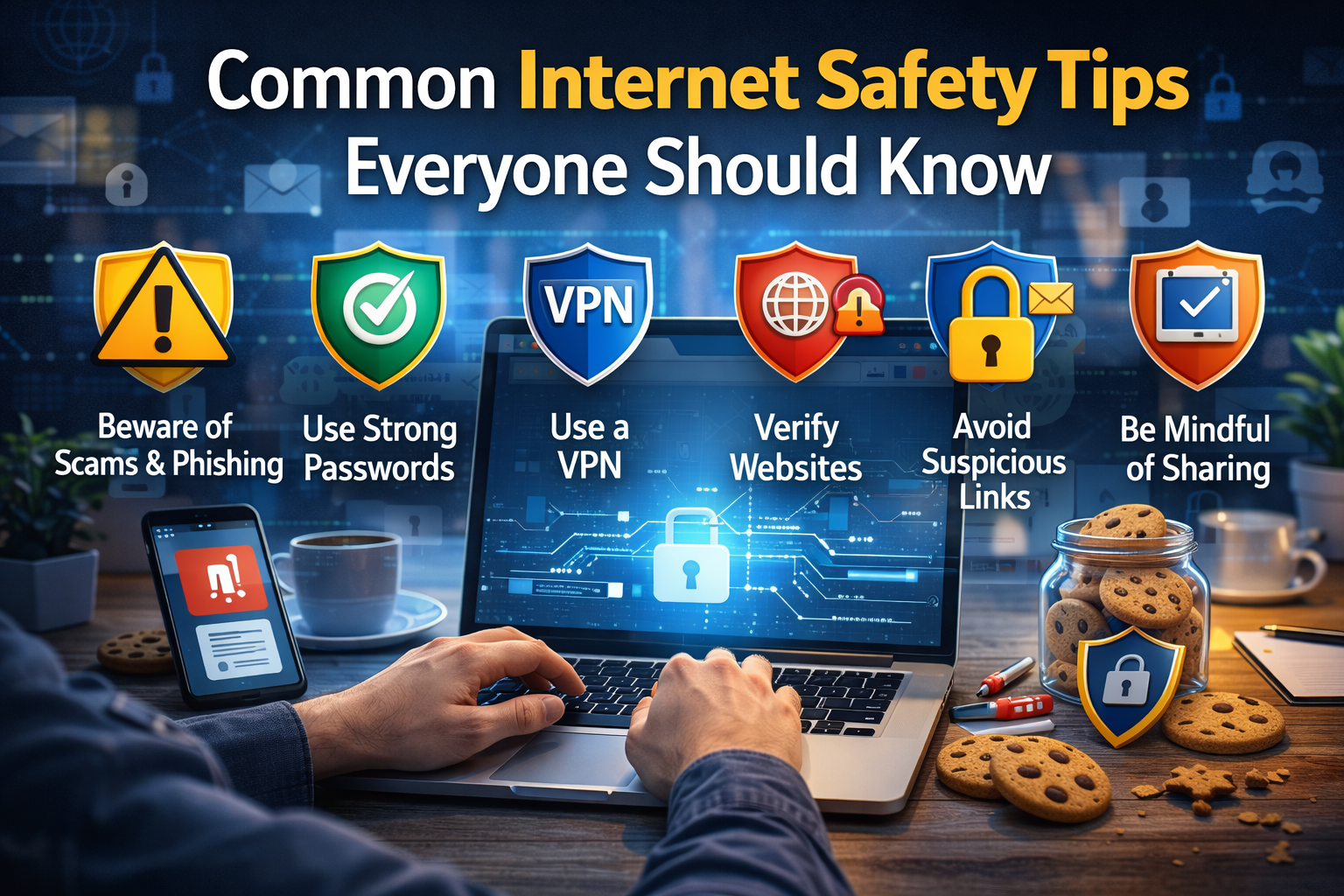
The internet has become a part of everyday life. People use it for work, shopping, learning, and entertainment. While the internet makes life easier, it also brings risks such as cybercrime, online scams, and privacy threats. Knowing the basics of internet safety is essential for protecting personal information, devices, and online accounts.
This guide explains common internet safety tips that everyone should follow to stay secure online.
Why Internet Safety Is Important
The internet connects millions of people around the world. However, it also exposes users to threats such as:
- Hackers stealing personal data
- Online scams and phishing attacks
- Viruses and malware
- Identity theft
- Cyberbullying
Practicing internet safety reduces these risks and ensures a safer online experience.
Strong Passwords Are Essential
Passwords are the first line of defense for online accounts. Weak passwords can be easily hacked, giving attackers access to personal data.
Tips for creating strong passwords:
- Use at least 12 characters
- Include a mix of letters, numbers, and symbols
- Avoid using common words or phrases
- Use different passwords for different accounts
- Consider using a password manager to store them safely
Strong passwords make it harder for hackers to access your accounts.
Use Two-Factor Authentication (2FA)
Two-factor authentication adds an extra layer of security. Even if someone steals your password, they cannot access your account without the second verification step.
Common 2FA methods include:
- OTP (one-time password) sent via SMS
- Authentication apps like Google Authenticator
- Biometric verification (fingerprint or face recognition)
Enabling 2FA significantly improves online account security.
Keep Software and Devices Updated
Outdated software and devices can have vulnerabilities that hackers exploit. Regular updates help fix security flaws and protect your data.
Update these regularly:
- Operating system (Windows, macOS, Android, iOS)
- Web browsers (Chrome, Firefox, Edge)
- Antivirus and security software
- Mobile and desktop applications
Automatic updates can also be enabled for convenience.
Be Careful with Emails and Links
Phishing emails and malicious links are common ways attackers steal information. Users should verify emails before clicking any links or downloading attachments.
Tips include:
- Check the sender’s email address carefully
- Avoid clicking unknown or suspicious links
- Do not open attachments from untrusted sources
- Look for poor grammar or unusual language as a warning
Being cautious with emails helps prevent scams and malware infections.
Use Secure Websites
Websites that use HTTPS provide encrypted connections, making it harder for attackers to intercept data. Always check the website address before entering personal or financial information.
Other tips:
- Avoid public WiFi for sensitive activities like online banking
- Use a VPN (Virtual Private Network) for extra security
- Log out after using accounts on shared devices
Secure websites help protect privacy and online data.
Protect Personal Information on Social Media
Sharing too much personal information online can lead to identity theft or cyberstalking. Users should control their privacy settings and think before posting personal details.
Safe social media practices:
- Limit who can see your posts
- Avoid sharing personal addresses, phone numbers, or financial details
- Be careful about accepting friend requests from strangers
- Review privacy policies and adjust account settings regularly
Controlling personal information reduces online risks.
Use Antivirus and Anti-Malware Software
Antivirus software helps detect and block malicious software such as viruses, spyware, and ransomware. Keeping this software up-to-date is crucial for online safety.
Tips:
- Run regular system scans
- Enable real-time protection
- Keep definitions updated
- Use reputable antivirus programs
Antivirus protection adds a strong defense against online threats.
Be Mindful of Downloads
Downloading files or software from untrusted sources can introduce malware or viruses to devices. Users should download only from official websites or verified sources.
Safety tips for downloads:
- Verify the authenticity of the source
- Avoid pirated software or cracked apps
- Scan downloaded files with antivirus software
- Keep backups of important data before downloading large files
Safe downloads prevent malware infections.
Frequently Asked Questions (FAQs)
Why is internet safety important?
Internet safety protects personal data, financial information, and online accounts from hackers and cybercrime.
How can I create a strong password?
Use a combination of letters, numbers, and symbols, avoid common words, and make it at least 12 characters long.
Is public WiFi safe to use?
Public WiFi is less secure. Avoid sensitive activities or use a VPN to stay protected.
What is phishing and how can I avoid it?
Phishing is a scam where attackers try to steal personal information. Avoid clicking suspicious links or opening unknown email attachments.
How often should I update my software?
Software should be updated regularly. Enable automatic updates whenever possible for safety.
Conclusion
Internet safety is essential for everyone who uses digital devices and online services. By following simple practices like creating strong passwords, enabling two-factor authentication, being careful with emails, using secure websites, and updating software, users can protect themselves from online threats.
Staying cautious and informed ensures a safer and more secure online experience, whether for work, learning, or entertainment.
Agar chaho to main aapke liye next article “What Is Two-Factor Authentication and Why It Is Important” bhi long-form ready format me likh doon jo naturally is article ka continuation hoga aur Adsense friendly hoga.
Kya main ye bana doon?

