



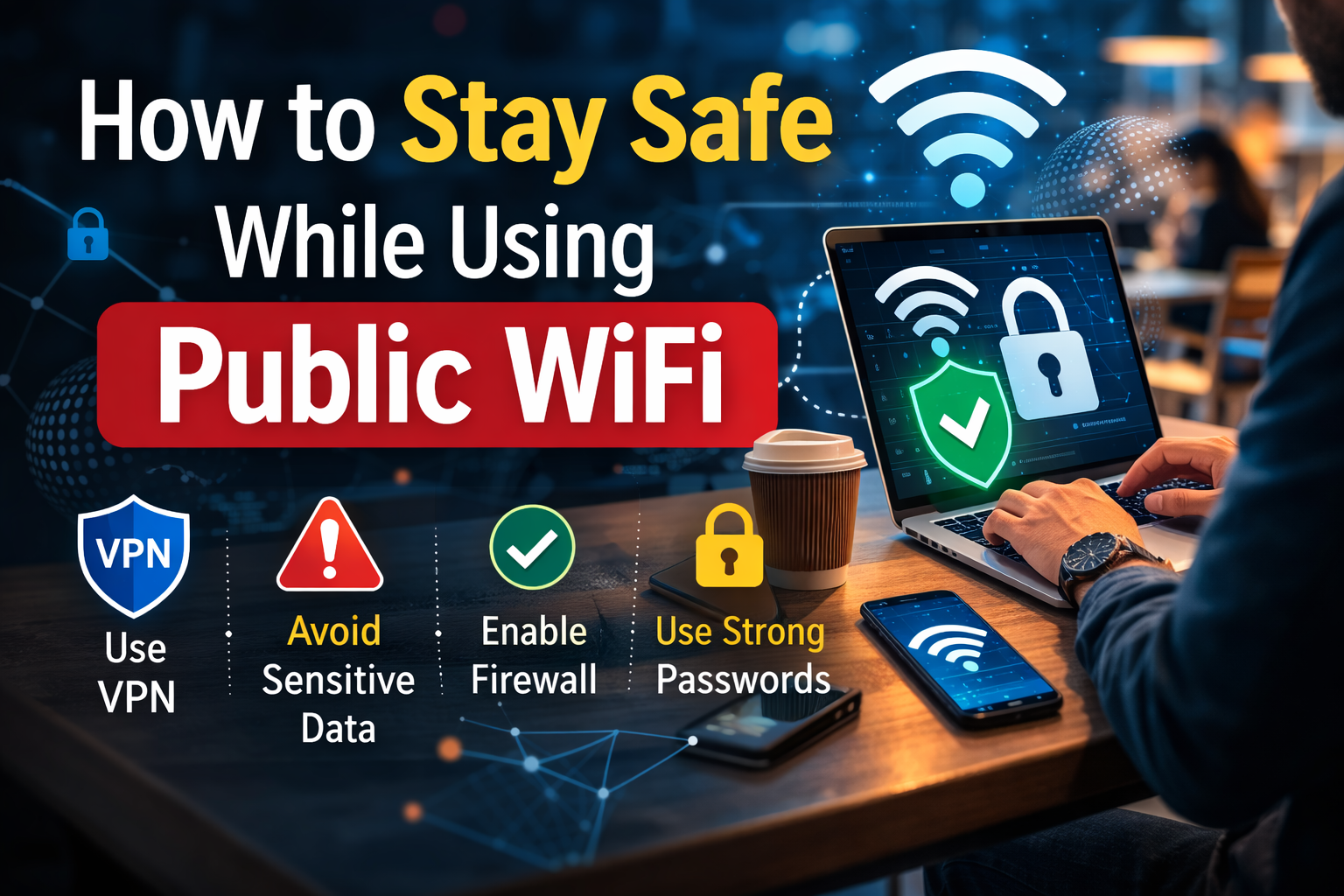
Public WiFi has become very common in today’s digital world. People often connect to free internet networks in places such as cafes, airports, hotels, libraries, and shopping malls. These networks make it easy to browse the internet, check emails, or use social media without using mobile data.
However, public WiFi networks are not always secure. Because many people share the same network, hackers can sometimes access the connection and try to steal sensitive information. Learning how to stay safe while using public WiFi can help protect personal data and online accounts.
What Is Public WiFi?
Public WiFi is a wireless internet connection that is available for public use. Businesses and organizations often provide these networks so visitors can connect to the internet for free or with a simple login.
Examples of places that commonly provide public WiFi include:
- Coffee shops and restaurants
- Airports and train stations
- Hotels and resorts
- Libraries and universities
- Shopping malls and public parks
Although these networks are convenient, they usually have weaker security compared to private home networks.
Why Public WiFi Can Be Risky
Public WiFi networks are shared by many users, which can make them more vulnerable to cyber threats. Hackers may take advantage of these networks to monitor internet activity or steal sensitive information.
Some common risks include:
- Data interception by hackers
- Fake WiFi networks created to trick users
- Malware attacks on connected devices
- Unauthorized access to personal accounts
Because of these risks, users should always be cautious when connecting to public WiFi.
Common Public WiFi Security Threats
Understanding the possible threats can help users take the right precautions.
| Threat | Description |
|---|---|
| Man-in-the-Middle Attack | A hacker secretly intercepts communication between a user and the internet |
| Fake WiFi Hotspots | Attackers create networks that look like legitimate WiFi connections |
| Malware Distribution | Hackers may use networks to spread malicious software |
| Session Hijacking | Attackers steal login sessions to access accounts |
| Data Snooping | Sensitive information such as passwords may be captured |
These threats can occur when users connect to unsecured or poorly protected networks.
Tips to Stay Safe on Public WiFi
Using public WiFi does not have to be dangerous if proper precautions are taken. Following safe practices can greatly reduce the chances of security problems.
Avoid Accessing Sensitive Accounts
It is best to avoid logging into banking apps, payment services, or other sensitive accounts while connected to public WiFi. If possible, wait until a secure private network is available.
Use Secure Websites
When browsing the internet, make sure the website address starts with https. The “s” stands for secure and means the connection between the browser and the website is encrypted.
Secure websites help protect data from being easily intercepted.
Turn Off Automatic WiFi Connections
Many devices automatically connect to available WiFi networks. This can be risky because the device might connect to a fake or unsafe network without the user realizing it.
Disabling automatic connections allows users to manually choose trusted networks.
Keep Software and Devices Updated
Regular updates fix security vulnerabilities in operating systems and applications. Keeping devices updated helps reduce the risk of attacks.
Users should regularly update:
- Operating systems
- Web browsers
- Security software
- Mobile apps
Use Strong Passwords
Strong passwords add an extra layer of protection if someone tries to access online accounts.
Good password practices include:
- Using long and complex passwords
- Avoiding common words or phrases
- Using different passwords for different accounts
Enable Two-Factor Authentication
Two-factor authentication adds an additional verification step when logging into accounts. Even if someone manages to obtain a password, they cannot access the account without the second authentication step.
Safe Habits When Using Public WiFi
Developing safe online habits is one of the most effective ways to stay protected.
Important habits include:
- Log out of accounts after finishing online sessions
- Avoid sharing personal information on public networks
- Disable file sharing on devices
- Turn off WiFi when it is not in use
- Use trusted networks whenever possible
These small steps can make a big difference in protecting personal data.
How to Recognize Fake WiFi Networks
Hackers sometimes create fake WiFi hotspots with names similar to legitimate networks. These networks are designed to trick users into connecting.
Signs of fake WiFi networks include:
- Network names that look slightly different from official ones
- Networks that do not require a password
- Multiple networks with similar names in the same location
- Sudden disconnection followed by requests to reconnect
Always confirm the official WiFi network name with staff if unsure.
What to Do If You Suspect a Security Risk
If a user believes that a public WiFi network may be unsafe, it is important to act quickly.
Recommended steps include:
- Disconnect from the WiFi network immediately.
- Avoid entering personal information.
- Change passwords for important accounts if necessary.
- Run a security scan on the device.
- Use a secure network for future browsing.
Taking quick action can prevent potential damage.
Frequently Asked Questions (FAQs)
Is public WiFi always unsafe?
Public WiFi is not always dangerous, but it is generally less secure than private networks. Users should follow safety practices to reduce risks.
Can hackers see my activity on public WiFi?
In some cases, hackers may monitor internet traffic on unsecured networks. This is why sensitive activities such as online banking should be avoided on public WiFi.
Should I use public WiFi for online banking?
It is safer to avoid online banking while connected to public WiFi. Using a private network or mobile data is a better option.
How can secure websites be identified?
Secure websites usually start with https and show a padlock icon in the browser address bar.
What is the safest way to use public WiFi?
The safest approach is to limit sensitive activities, use secure websites, and follow good cybersecurity practices.
Conclusion
Public WiFi provides a convenient way to access the internet in many public places. However, these networks can also expose users to various security risks if proper precautions are not taken.
By understanding the potential threats and following safe internet practices, users can protect their personal information and reduce the chances of cyberattacks. Staying cautious and informed is the best way to enjoy the convenience of public WiFi while maintaining online security.

