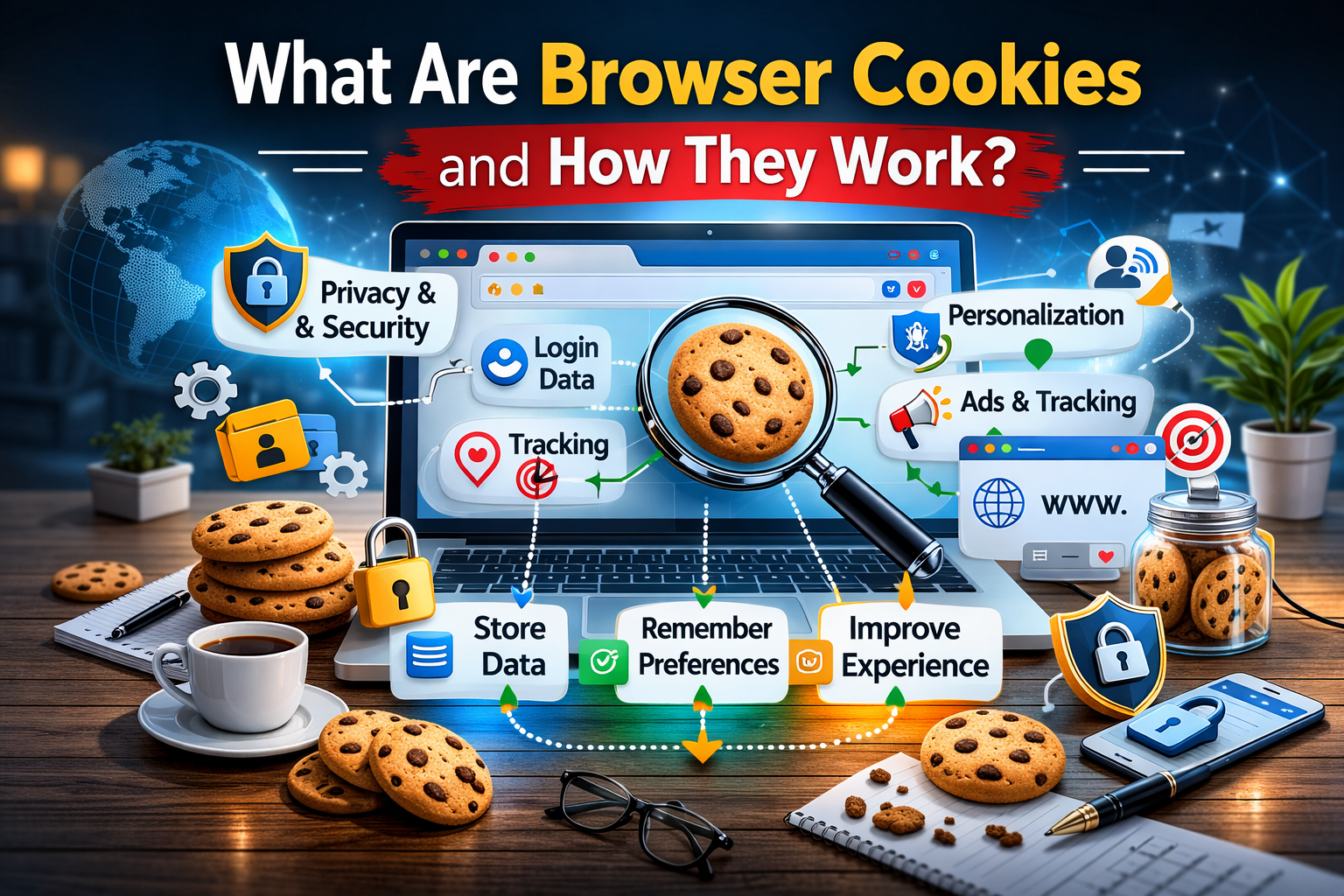
What Are Browser Cookies and How They Work
When people browse the internet, websites often remember certain information about their visit. For example, a website may remember login details, language preferences, or items added to a shopping cart. This is possible because of a technology called browser cookies.
Browser cookies are small pieces of data that websites store on a user’s device through the web browser. They help websites recognize returning visitors and improve the browsing experience. While cookies are widely used and generally safe, it is still important to understand how they work and how they affect online privacy.
What Are Browser Cookies?
Browser cookies are small text files created by websites and stored in a user’s browser. These files contain information related to the user’s interaction with the website.
When a user visits a website for the first time, the website may create a cookie and store it on the device. The next time the user visits the same website, the browser sends the cookie back to the website. This allows the website to recognize the visitor and remember certain settings.
Cookies usually store information such as:
- Login status
- Language preferences
- Website settings
- Shopping cart items
- User activity on the website
Because cookies store small amounts of data, they help websites provide a smoother and more personalized experience.
Why Websites Use Cookies
Websites use cookies for several reasons. They help improve usability, track user behavior, and maintain website functionality.
Some common reasons websites use cookies include:
- Remembering user login information
- Saving website preferences and settings
- Tracking website traffic and user activity
- Personalizing content for users
- Supporting online shopping carts
Without cookies, users might need to log in again every time they open a new page on the same website.
Types of Browser Cookies
Different types of cookies serve different purposes. Understanding these types can help users better manage their online privacy.
| Type of Cookie | Description |
|---|---|
| Session Cookies | Temporary cookies that are deleted when the browser is closed |
| Persistent Cookies | Cookies that remain on the device for a specific period of time |
| First-Party Cookies | Cookies created by the website that the user is visiting |
| Third-Party Cookies | Cookies created by external services such as advertisers |
| Secure Cookies | Cookies that are transmitted through encrypted connections |
Each type plays a different role in improving the browsing experience or supporting website functionality.
How Browser Cookies Work
The process of using cookies is simple but effective.
When a user visits a website, the server sends a small cookie file to the browser. The browser stores this file on the user’s device. When the user visits the website again, the browser sends the cookie back to the website’s server.
This process allows the website to recognize returning users and provide a more personalized experience.
For example, if a user logs into an online account, the website may store a cookie that keeps the user logged in while navigating between pages.
Advantages of Browser Cookies
Cookies provide several benefits for both users and website owners. They help improve usability and make online services more efficient.
Some advantages include:
- Faster and smoother browsing experience
- Remembering login sessions
- Saving user preferences and settings
- Personalizing website content
- Supporting online shopping features
These benefits make cookies an essential part of modern web browsing.
Privacy Concerns Related to Cookies
Although cookies are useful, they also raise privacy concerns. Some cookies track user behavior across multiple websites, which can create detailed profiles of browsing habits.
These concerns usually involve third-party tracking cookies used by advertising networks.
Potential privacy issues include:
- Tracking browsing activity across websites
- Collecting behavioral data for targeted advertising
- Storing information about user preferences
Because of these concerns, many websites now inform users about cookie usage and ask for consent.
How to Manage Browser Cookies
Most modern web browsers allow users to control how cookies are handled. Users can accept, block, or delete cookies depending on their privacy preferences.
Common cookie management options include:
- Allowing all cookies
- Blocking third-party cookies
- Deleting stored cookies
- Clearing cookies regularly
- Setting websites to request permission before storing cookies
Adjusting these settings can help users balance convenience and privacy.
Tips for Protecting Privacy When Using Cookies
Users can take several steps to reduce privacy risks while browsing the internet.
Helpful tips include:
- Regularly clearing browser cookies
- Blocking unnecessary third-party cookies
- Using private or incognito browsing modes
- Reviewing website cookie policies
- Avoiding suspicious or unknown websites
These practices help maintain better control over personal browsing data.
Frequently Asked Questions (FAQs)
Are browser cookies harmful?
Browser cookies are not harmful by themselves. They are small data files used to improve the browsing experience. However, some tracking cookies may raise privacy concerns.
Do cookies store personal information?
Cookies usually store simple data such as preferences or session IDs. They generally do not store sensitive personal information like passwords.
Can cookies slow down a computer?
Cookies are very small files and usually do not affect computer performance. However, clearing them occasionally can help keep the browser organized.
What happens if cookies are disabled?
If cookies are disabled, some websites may not function properly. For example, users might need to log in repeatedly or certain features may not work.
How often should cookies be cleared?
Clearing cookies occasionally can help maintain privacy and remove unnecessary stored data. Many users choose to clear them every few weeks or months.
Conclusion
Browser cookies play an important role in modern internet browsing. They help websites remember user preferences, maintain login sessions, and provide personalized experiences. Without cookies, many online services would be less convenient and harder to use.
At the same time, understanding how cookies work is important for protecting online privacy. By managing cookie settings and practicing safe browsing habits, users can enjoy the benefits of cookies while maintaining control over their personal data.